

← Back
No DMX coming in
HAZE isn’t responding to your console.
- Use wired Ethernet on the same network as the console.
- Make sure macOS Local Network access is allowed for HAZE.
- Check the console outputs sACN or Art-Net to the right universes.
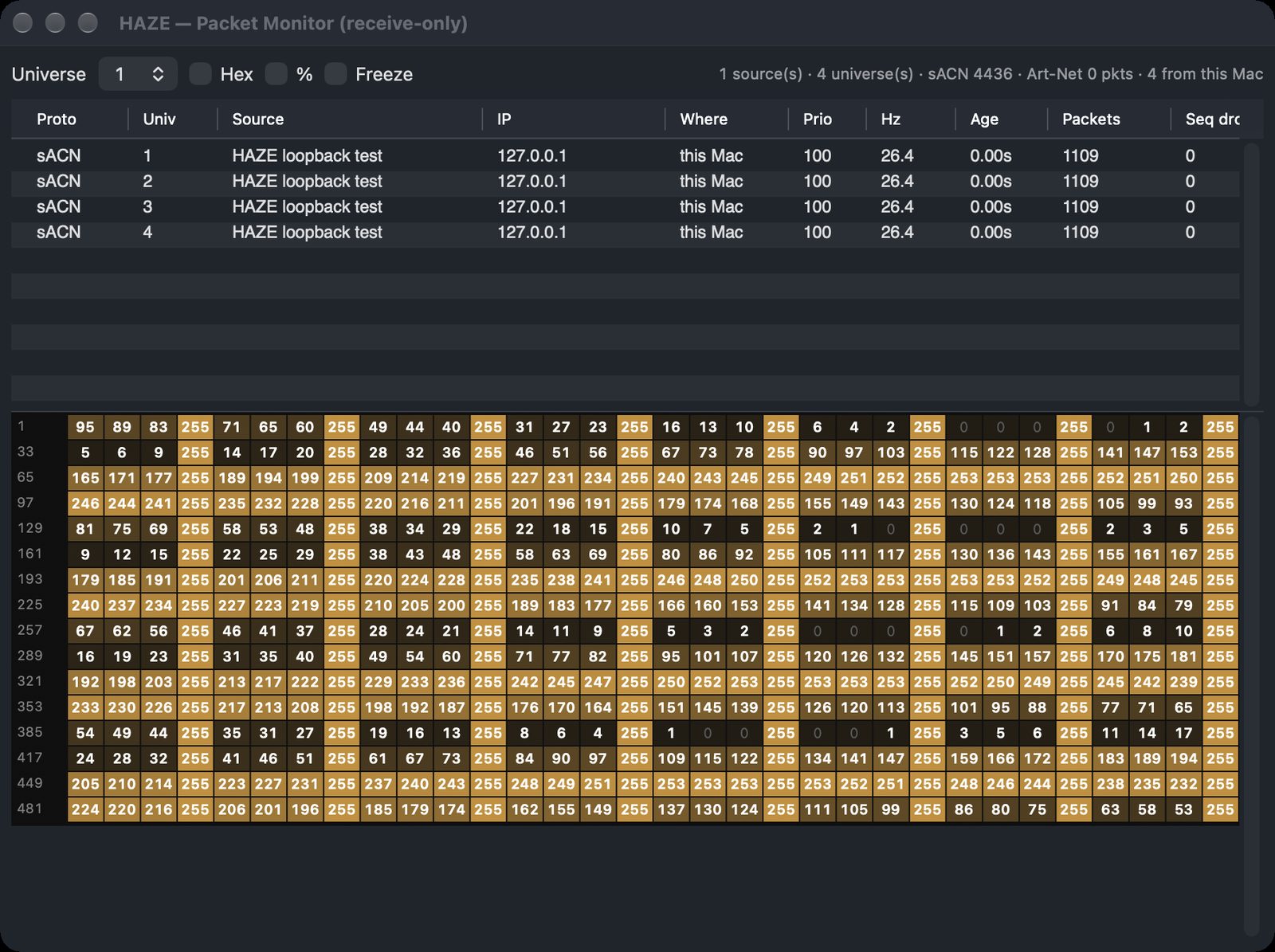
- Open the DMX or packet monitor to see what’s arriving. It shows each universe and packet live.
- Check the patch universe and address match the console.
Where to look
Section titled “Where to look”- Packet Monitor: File ▸ Packet Monitor (⌥⌘M).
- Interface: HAZE ▸ Network Preferences… (⌘,), then Interface and Apply.